Announcing InsiderList Projects. Let trusted people set up and run sensitive projects with oversight.
Learn more about ProjectsPlatform
Blackout periods
Set up blackout periods, notify covered persons automatically, and enforce your policy while they run.
Trusted by the world's leading companies
























Set up blackout periods and automate the rest.
Notices are sent and your policy is enforced on the dates you set.
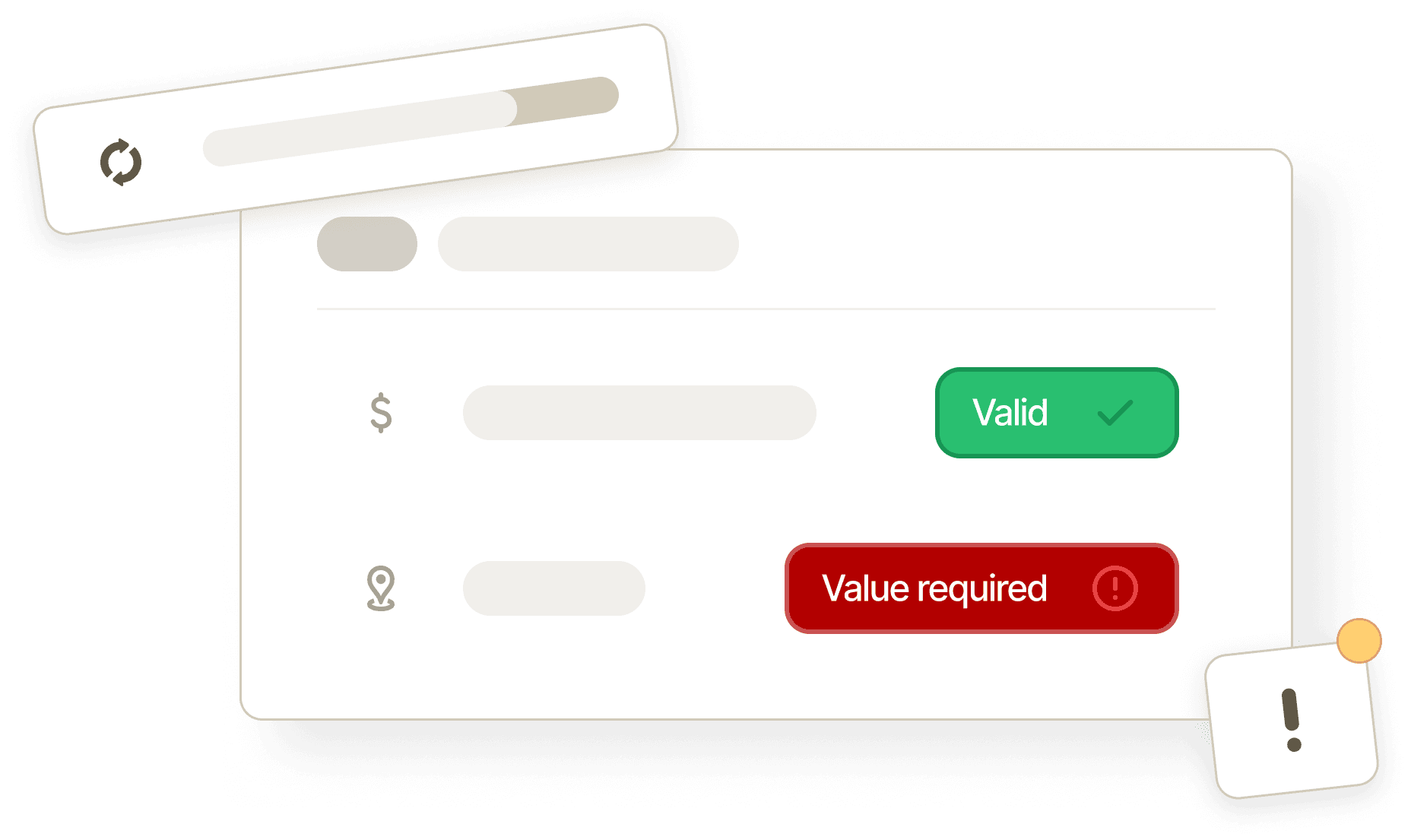
Set up a period
Add the start and end dates for a quarterly close or a specific event.
Learn more about compliance wizards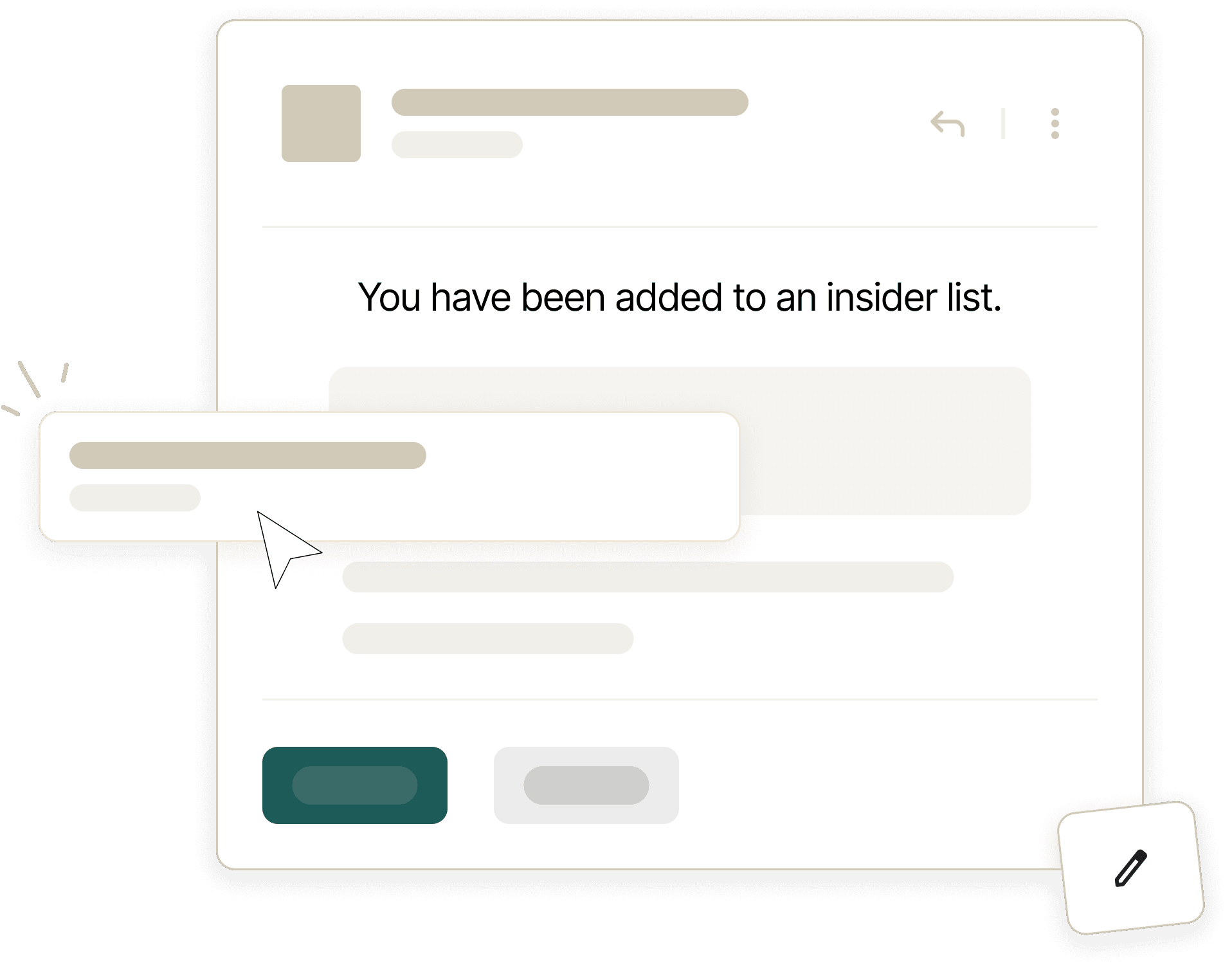
Notify covered persons
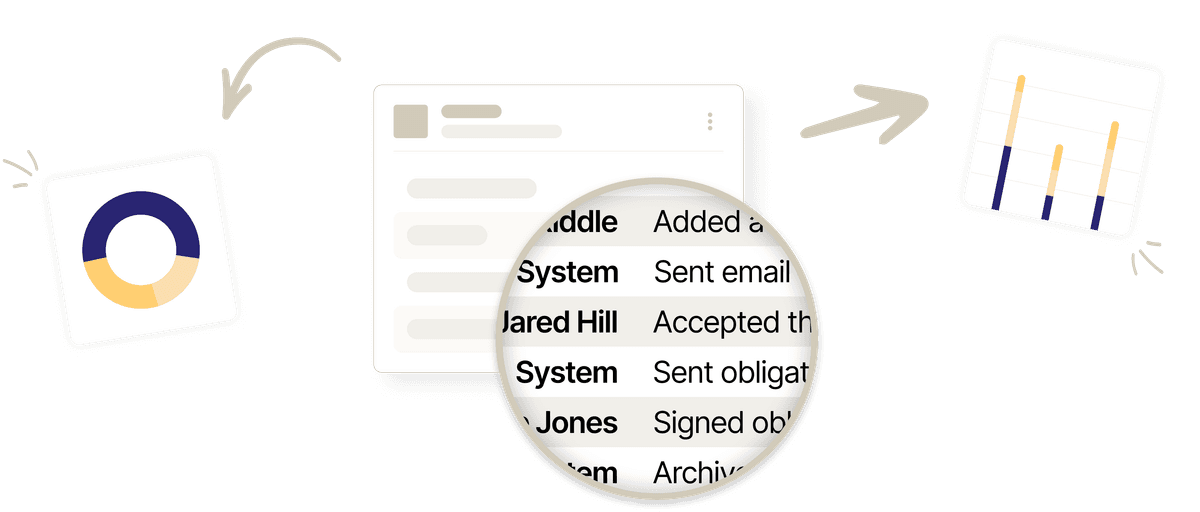
Every covered person gets the start and end notices in your wording, and each send is recorded.
Learn more about the Section 16 persons roster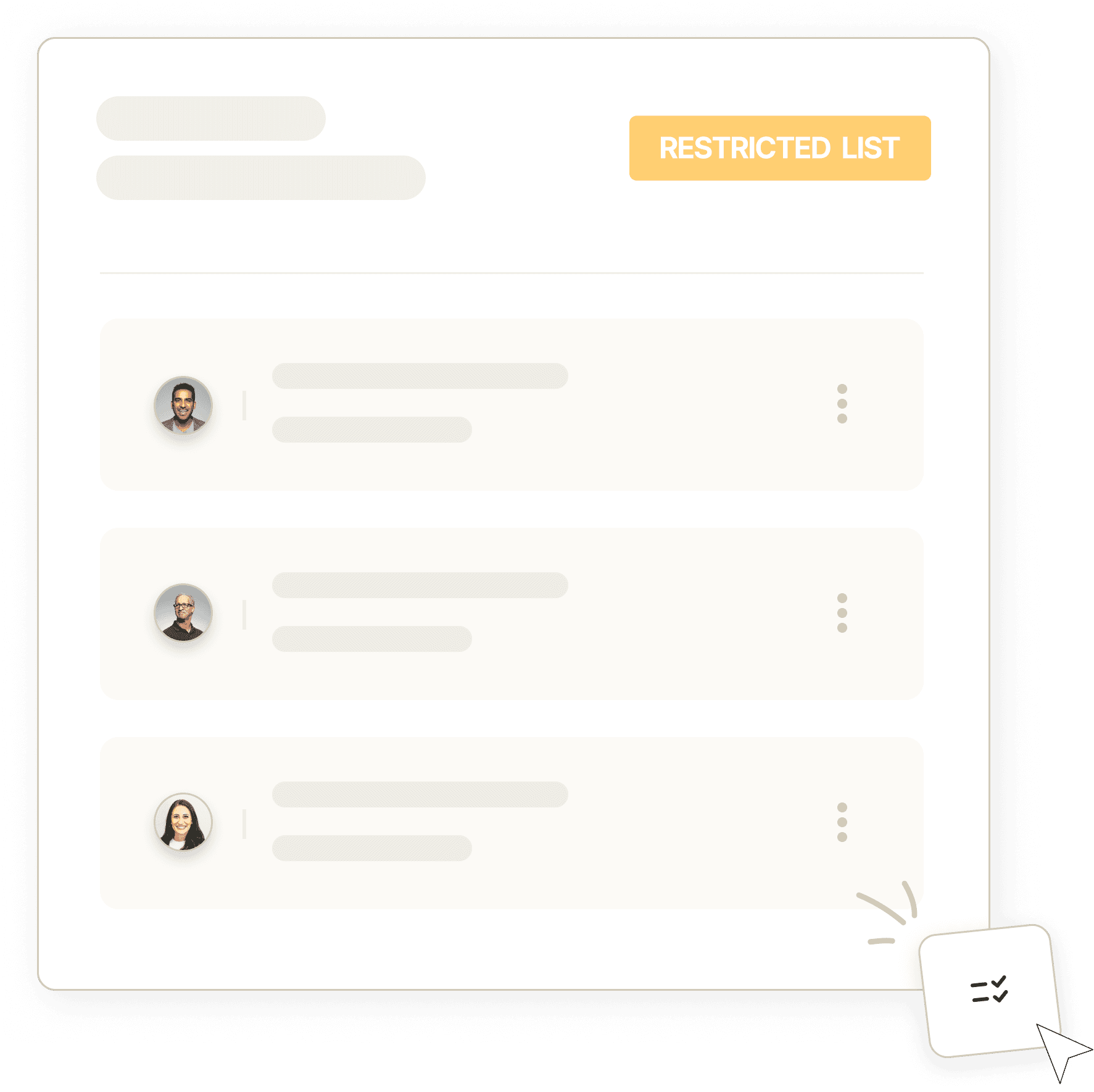
Enforce your policy
Pre-clearance requests are blocked or reviewed during the period, as your policy says.
Learn more about trade pre-clearanceSet up a period in just three steps.
Add the dates
Enter the start and end dates. Your dashboard warns when nothing is set for the next 90 days.
Choose the notice times
Pick when the start notice and the end notice go, and write each in your wording.
Choose what it blocks
Decide whether the period is information only, blocks the people on your lists, or blocks all trading.
In depth
See what happens while a period runs.
Notices are sent, requests follow your policy, and everyone sees the window.
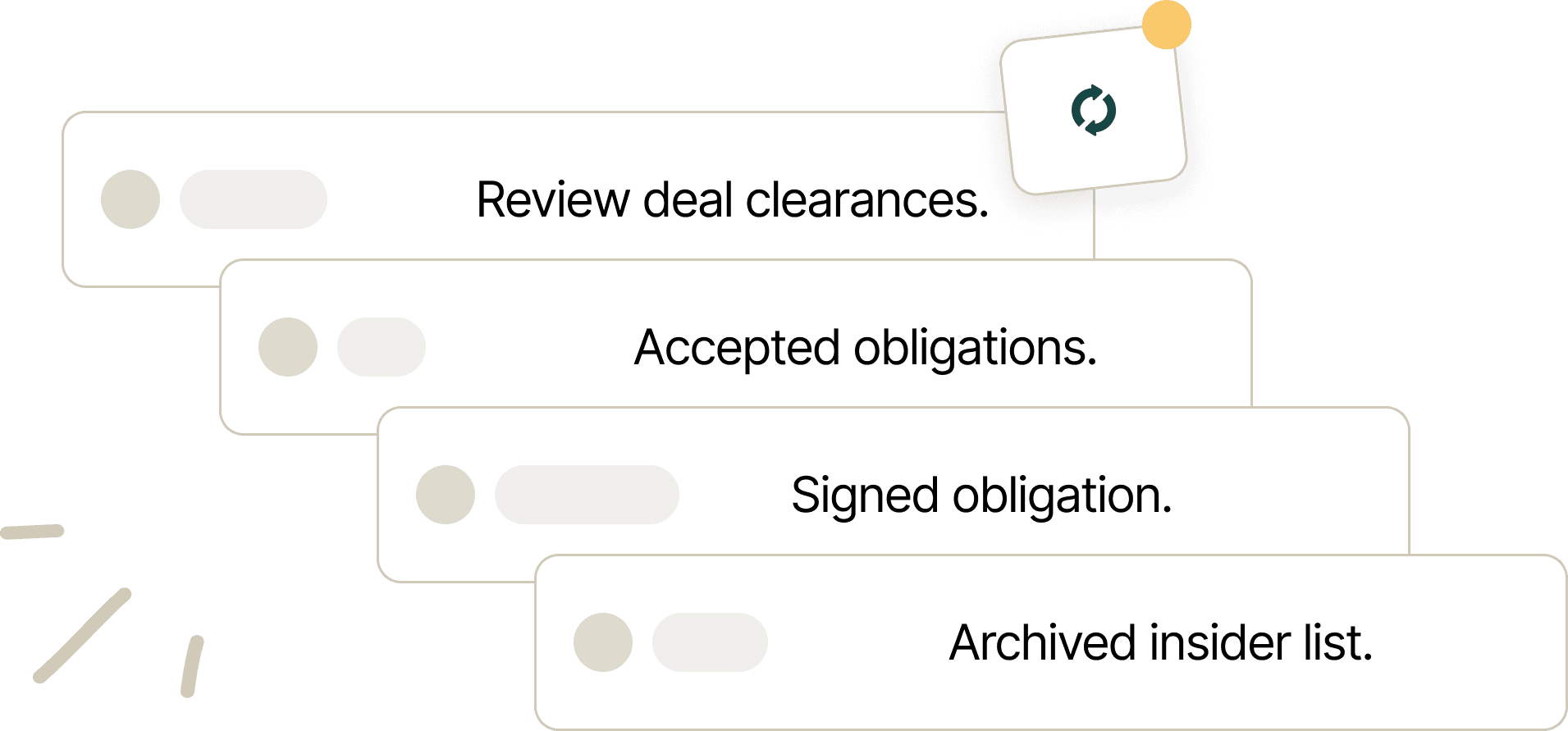
Notices are sent and recorded by person.
For every period, send a start notice and an end notice when the window reopens, at times you choose and in your wording.
Each period's email history lists every recipient and send time, so anyone who says they never knew is answered from that history.
Once a notice has gone the period cannot be deleted. Once both have gone it cannot be edited, so your history stays intact.
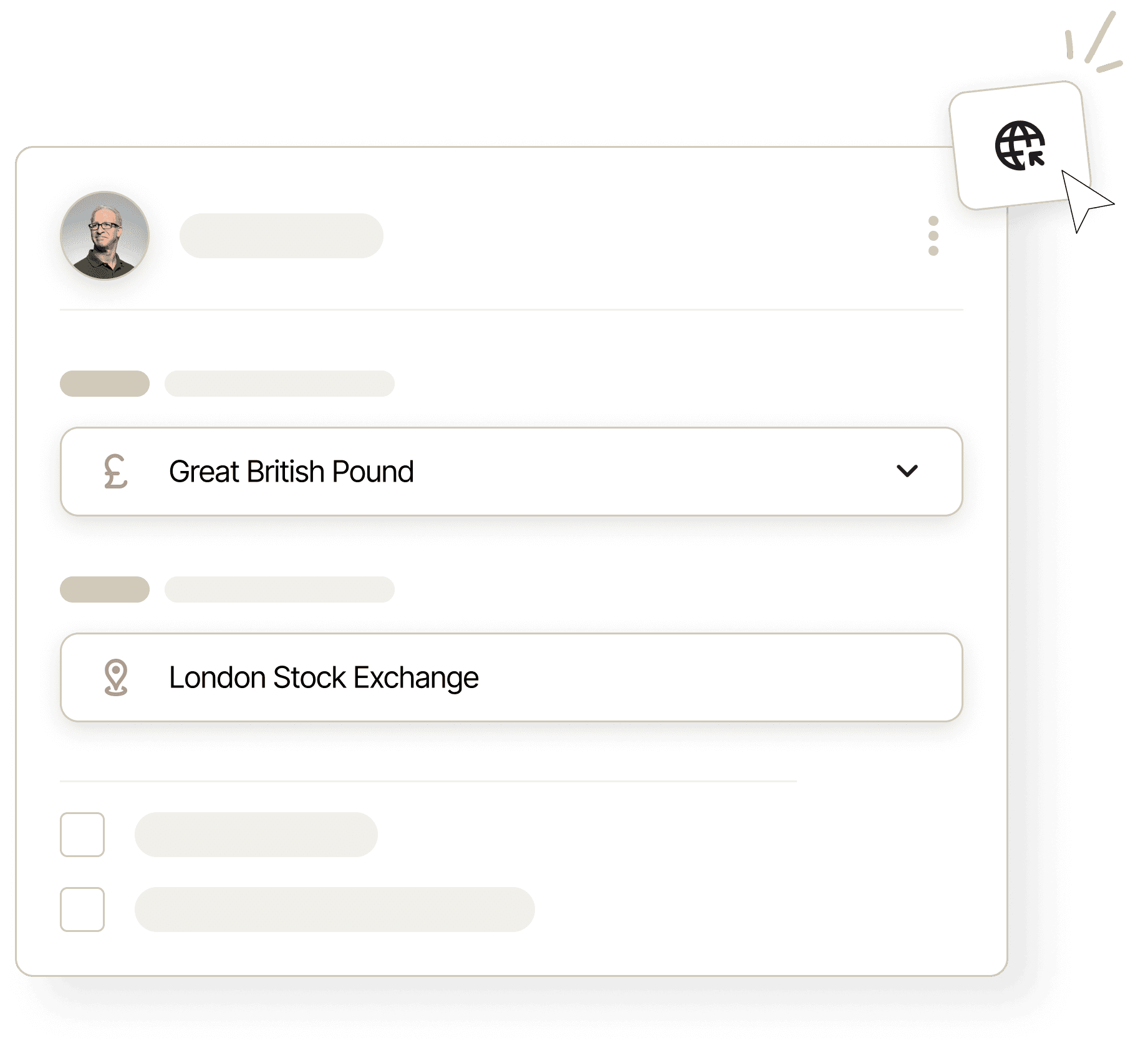
Trade requests are blocked or reviewed under your policy.
Your policy decides whether a period is information only, blocks trading for the people on your lists, or blocks all trading.
When requests are blocked, the portal tells each covered person why. When they're open, your reviewer decides each request with the period in view.
Requests to adopt, modify, or terminate a Rule 10b5-1 plan during a period are refused automatically.

Your stock plan administrator gets the same answer.
When your stock plan administrator asks if a person may trade, the answer comes from their lists, the current period, and your policy.
Your policy decides the answer for each list and for the blackout, and you word the message the administrator relays.
Each answer is based on your lists and periods, not a manual setting.
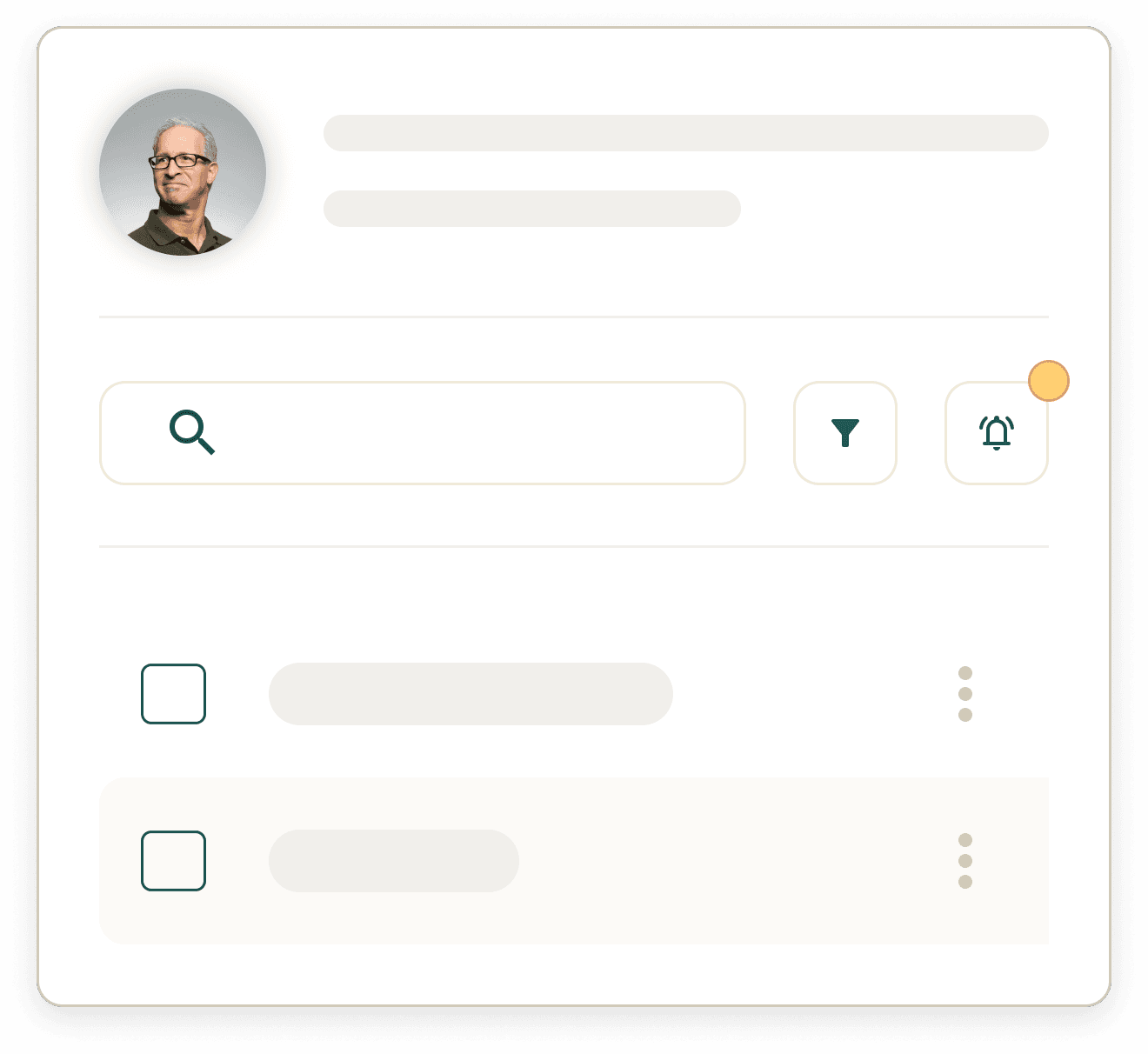
Every person sees the window in their portal.
Every person sees the current and future blackout periods in their portal, so whether the window is open is one screen away.
Blackout periods and clearance expirations appear on the issuer calendar, and each director's read-only portal calendar shows only their own dates.
What compliance teams say.
See how listed companies, advisers and funds run their insider trading programs with InsiderList.

InsiderList is efficient and straightforward. We’ve been able to automate our compliance tasks with ease, and the support has been consistently responsive and helpful.
Katie Thomson
Assistant Company Secretary
Domino’s Pizza Group Plc

We are delighted to once again provide a cutting-edge technological solution to address a significant challenge. JTC Insider [InsiderList] has the ability to transform the regulatory reporting process and free up valuable time and resources.
Adam Jeffries
Chief Information Officer
JTC plc

InsiderList has a simple and intuitive interface, which made it easy for our team to adapt quickly. Their client support has been exceptional, and we were able to start benefiting from its features almost immediately.
Emma Woolard
Company Secretary
Boohoo Group plc

InsiderList helps us manage complex regulatory compliance across the organization. It substantially reduces risk and provides specialist regulatory advice we trust.
Louise O'Sullivan
Company Secretarial Assistant
Computacenter plc

With InsiderList, we can quickly create lists, track acknowledgments, and effectively manage the deal clearance process. This has saved time and reduced the administrative workload. The platform is easy to use and the support has been great.
Christa Zillwood-Hunt
General Counsel
LendInvest plc

After conducting a thorough review, InsiderList stood out as the clear market leader. Their advanced technology platform, deep understanding of the regulatory landscape, and ability to integrate into our core products sets them apart.
Thera Prins
CEO
Equiniti Shareholder Services (UK)
Everything you need in one platform.


FAQs
Common questions

Industry-leading security
256-bit encryption, continuous monitoring, and an annual independent penetration test protect your data, under a program run to ISO 27001, ISO 9001, and Cyber Essentials.
We've helped hundreds of compliance teams.
Learn how we work with clients to automate their compliance journeys.


Equiniti Selects InsiderList As Exclusive Provider To Offer Advanced MAR Compliance Automation Across Its UK Client Base
